
DWG drawings
Use a DWG file search engine approach for plans, layouts, details, blocks, schematics, civil drawings, architectural sheets, and drafting resources.
Technical design file discovery
Search for CAD files, DWG files and technical design formats across the web. Use this CAD file search engine when the useful result is a drawing, model, plan, part, assembly, block, profile, or engineering export rather than a page that only talks about the design.
Use this CAD file search engine when the downloadable drawing, model, plan, or engineering exchange file is the result you need.
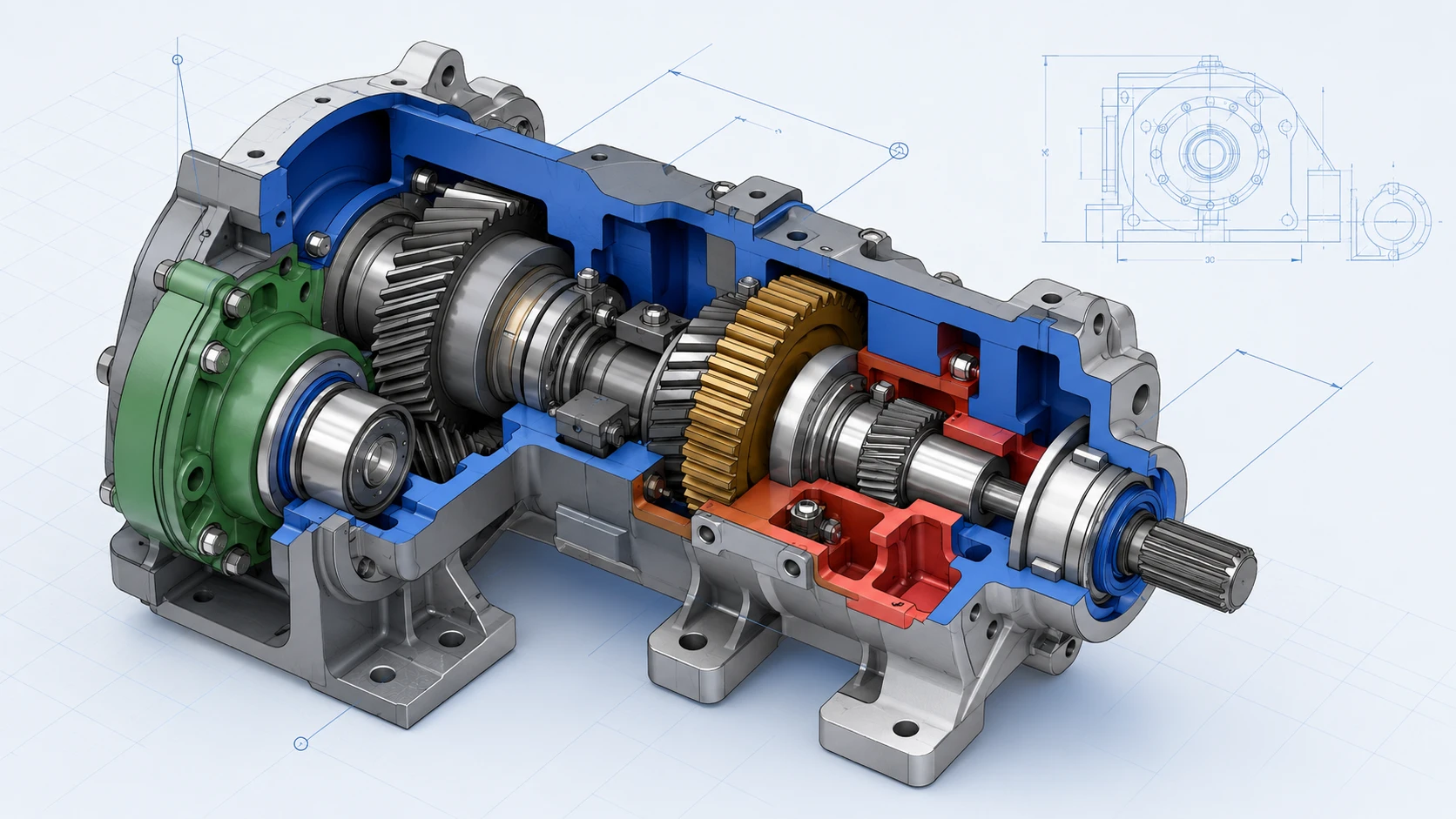
Engineering-first search
General search can return screenshots, product listings, portfolio pages, forum posts, and PDF specs. Those results help with context, but they slow down work when the target is a file that must open in CAD software.
A CAD file search engine starts closer to the technical file itself, so engineers, architects, designers, makers, and researchers can look for downloadable formats that can be opened, measured, converted, reviewed, or imported as design data.
CAD and engineering formats
CAD search is useful when the extension tells you what workflow the result belongs to: drafting, CNC, product design, building plans, parts, assemblies, or technical exchange.
Use a DWG file search engine approach for plans, layouts, details, blocks, schematics, civil drawings, architectural sheets, and drafting resources.
Search DXF files for 2D profiles, laser cutting paths, CNC outlines, exported geometry, and interoperable drawing data.
Look for STEP, STP, IGES, and related exchange files when assemblies, solids, product geometry, or vendor-neutral model transfer matters.
How CAD search works
Frequently asked questions
Search CAD files
Use FindFiles.net when the technical design file is the result you need. Start with the object, keep the result category technical, and search CAD files online without losing engineering intent inside broad webpage results.